How to use LoopFuel
From connecting your account to closing sales on autopilot. Here is every feature, step by step.
Are you moving out of another tool and migrating to LoopFuel?
It takes a couple of minutes. Disconnect your old DM tool from Instagram first so only one app controls your DMs, then connect LoopFuel. Your followers, DMs, and history stay exactly where they are, only the automation moves.
Switch to LoopFuel free →- 1In your current tool, pause its flows and disconnect your Instagram or Facebook account.
- 2In Instagram, remove the old app under Settings, then Business tools, then Connected apps.
- 3Come back here and connect LoopFuel in one click. OAuth only, no passwords.
- 4Rebuild your key flows from a template, or start fresh. You are live in minutes.
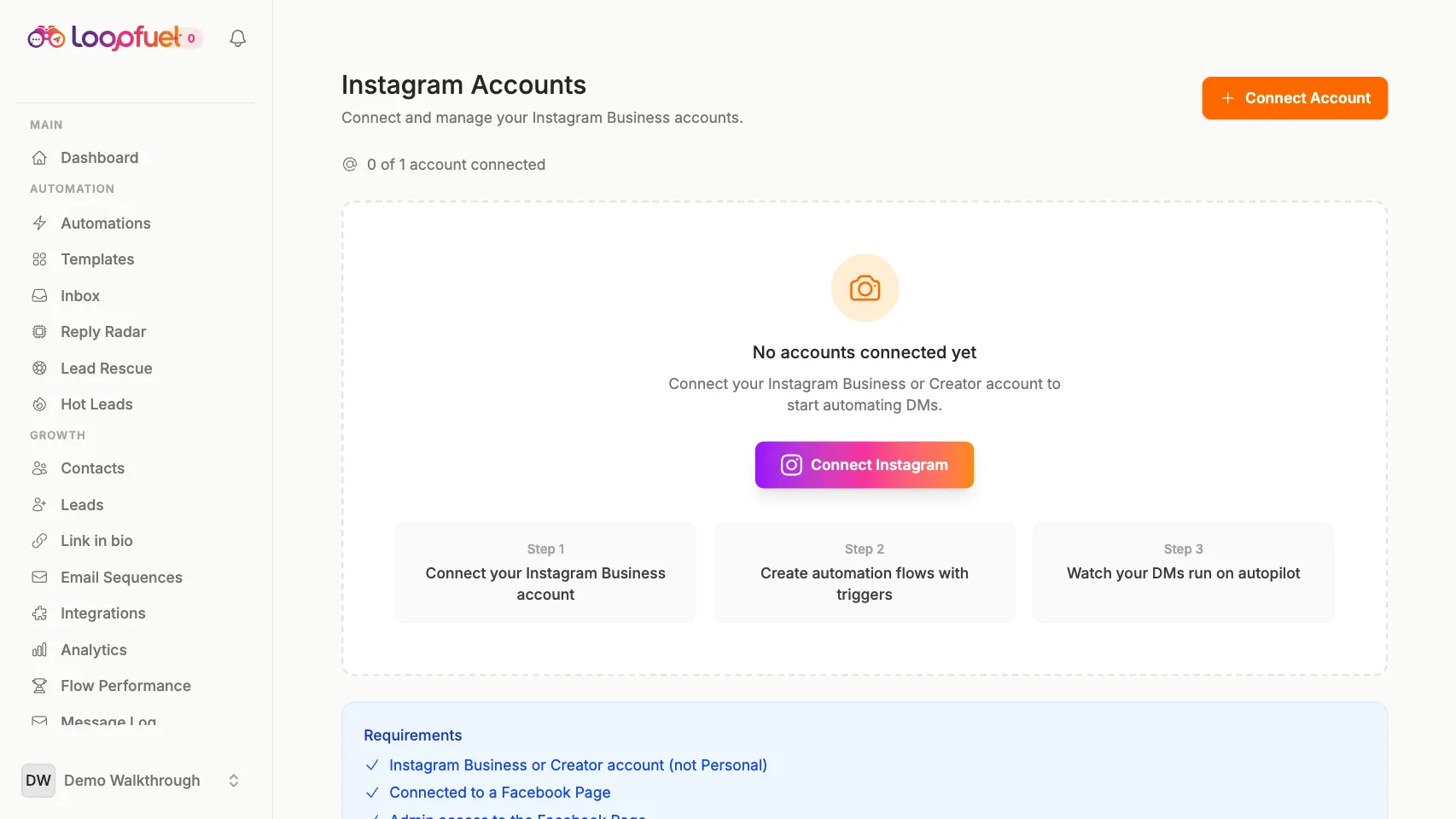
Connect your Instagram
Link your Instagram Business or Creator account in one click. OAuth only, no passwords, and you can revoke access anytime from Instagram.
- 1Tap "Continue with Instagram"
- 2Authorize LoopFuel
- 3You are connected in about 30 seconds
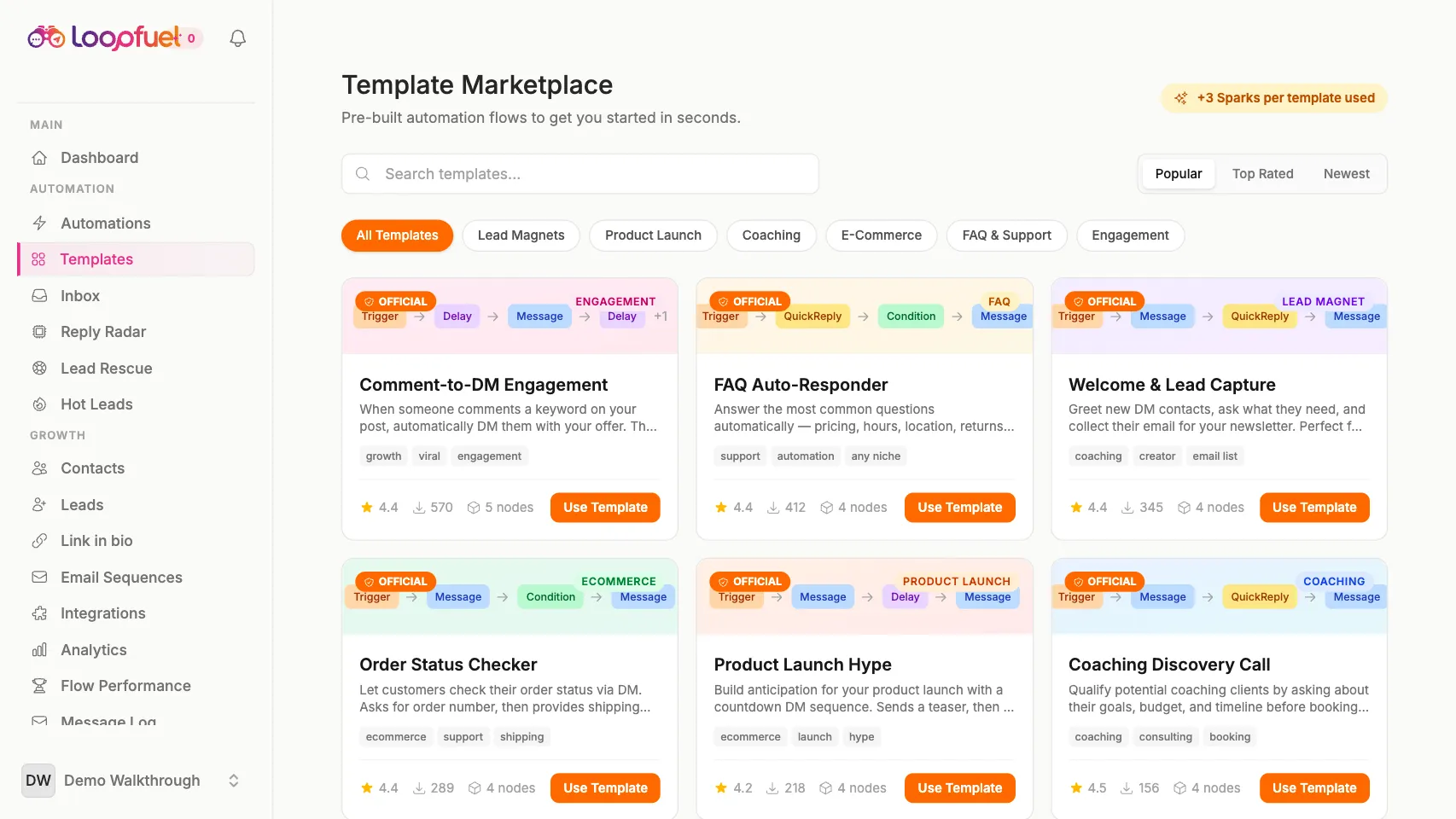
Build a visual flow
Drag blocks onto the canvas, wire them together, and design multi-step DM journeys with no code. Or start from a ready-made template.
- 1Open the Flow Builder
- 2Add message, delay, condition, AI reply and more
- 3Connect the blocks and publish
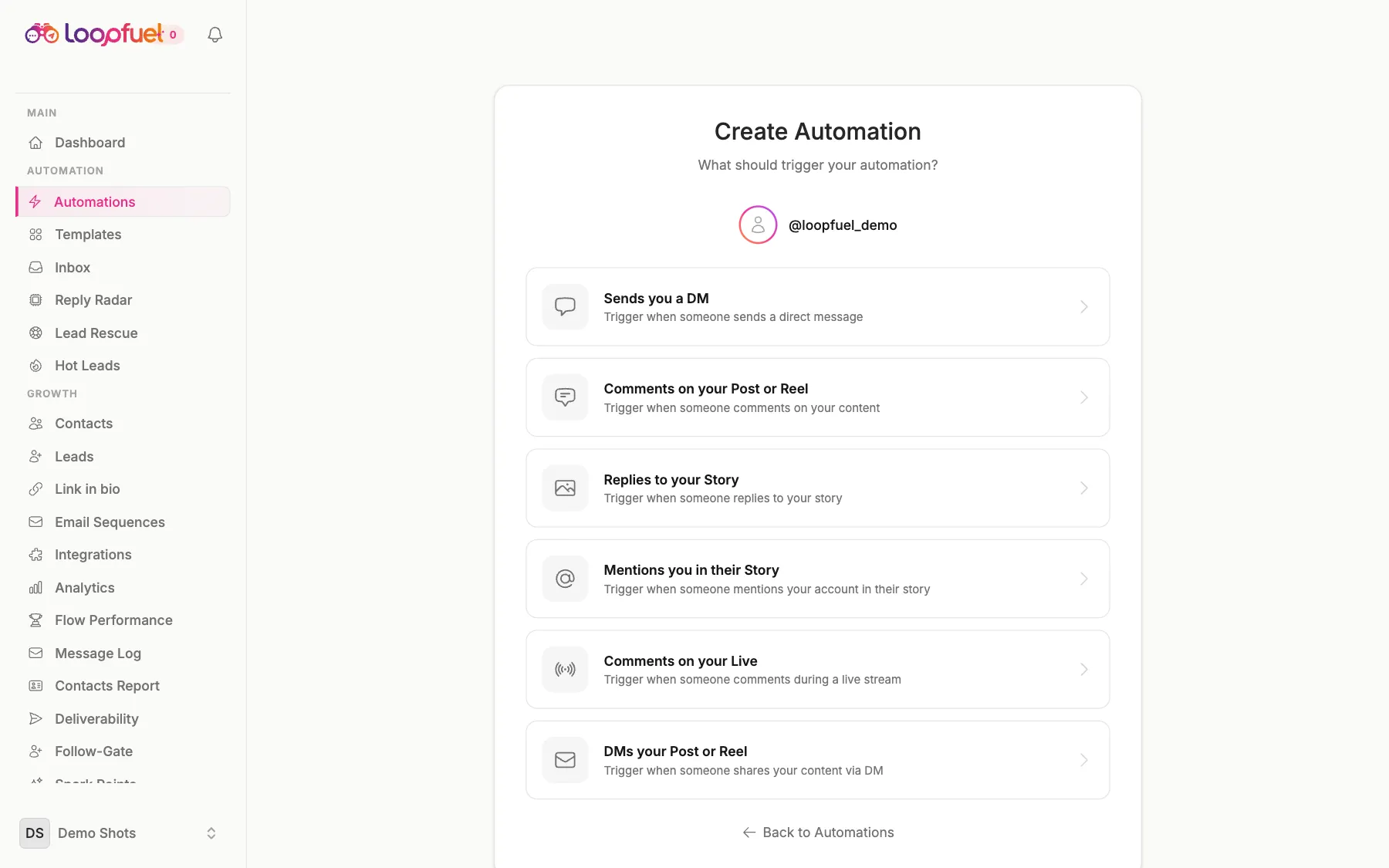
Set keyword triggers
Fire flows when someone DMs a keyword, comments on a post or reel, replies to a story, mentions you, or comments on a live.
- 1Pick a trigger type
- 2Add your keywords
- 3Choose which posts or stories it applies to
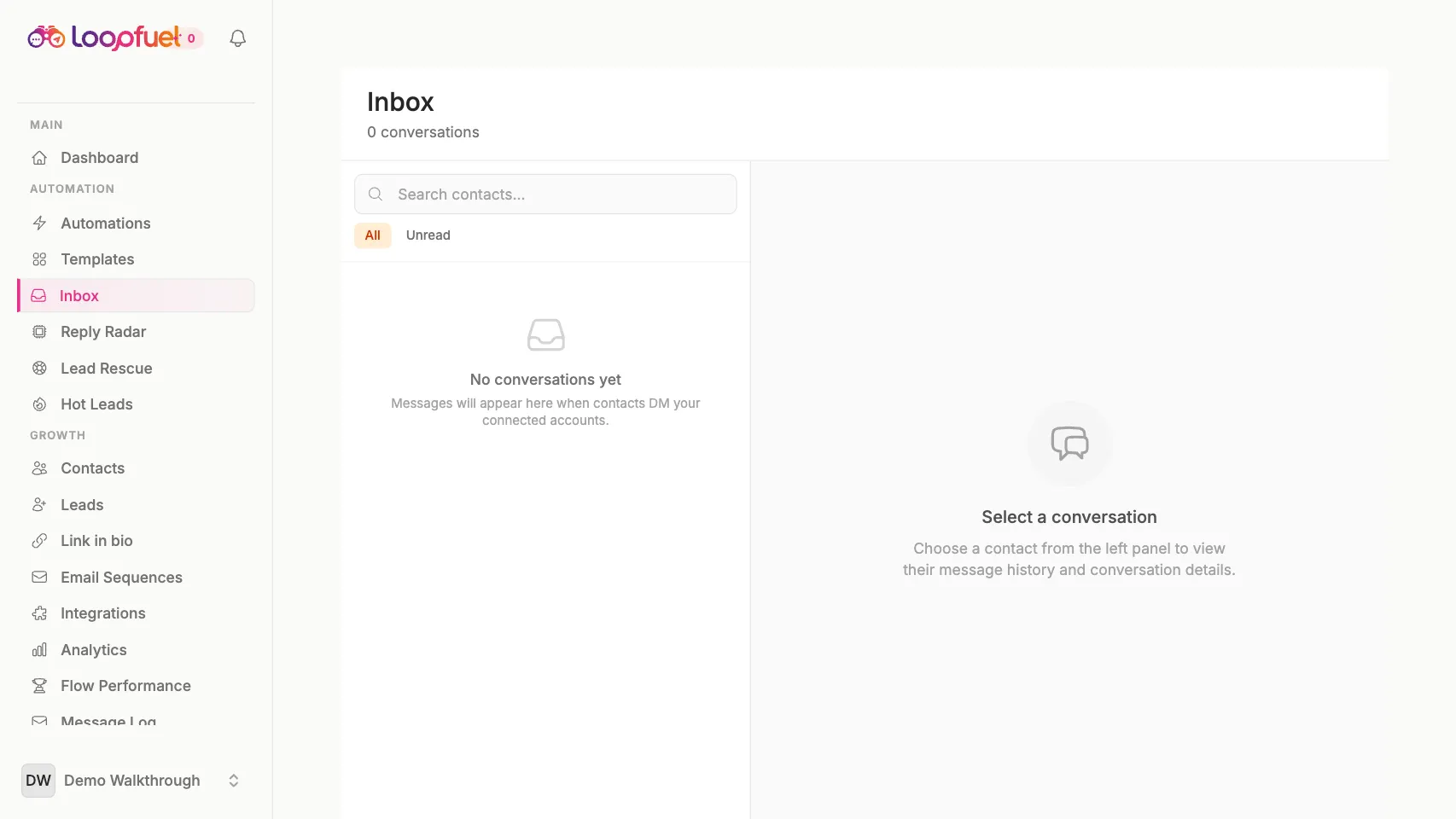
Work the unified inbox
Every conversation across every connected account in one place. Jump in with a human reply whenever a hot lead needs you.
- 1See all DMs in one inbox
- 2Filter by unread, tag, or account
- 3Reply manually within the messaging window
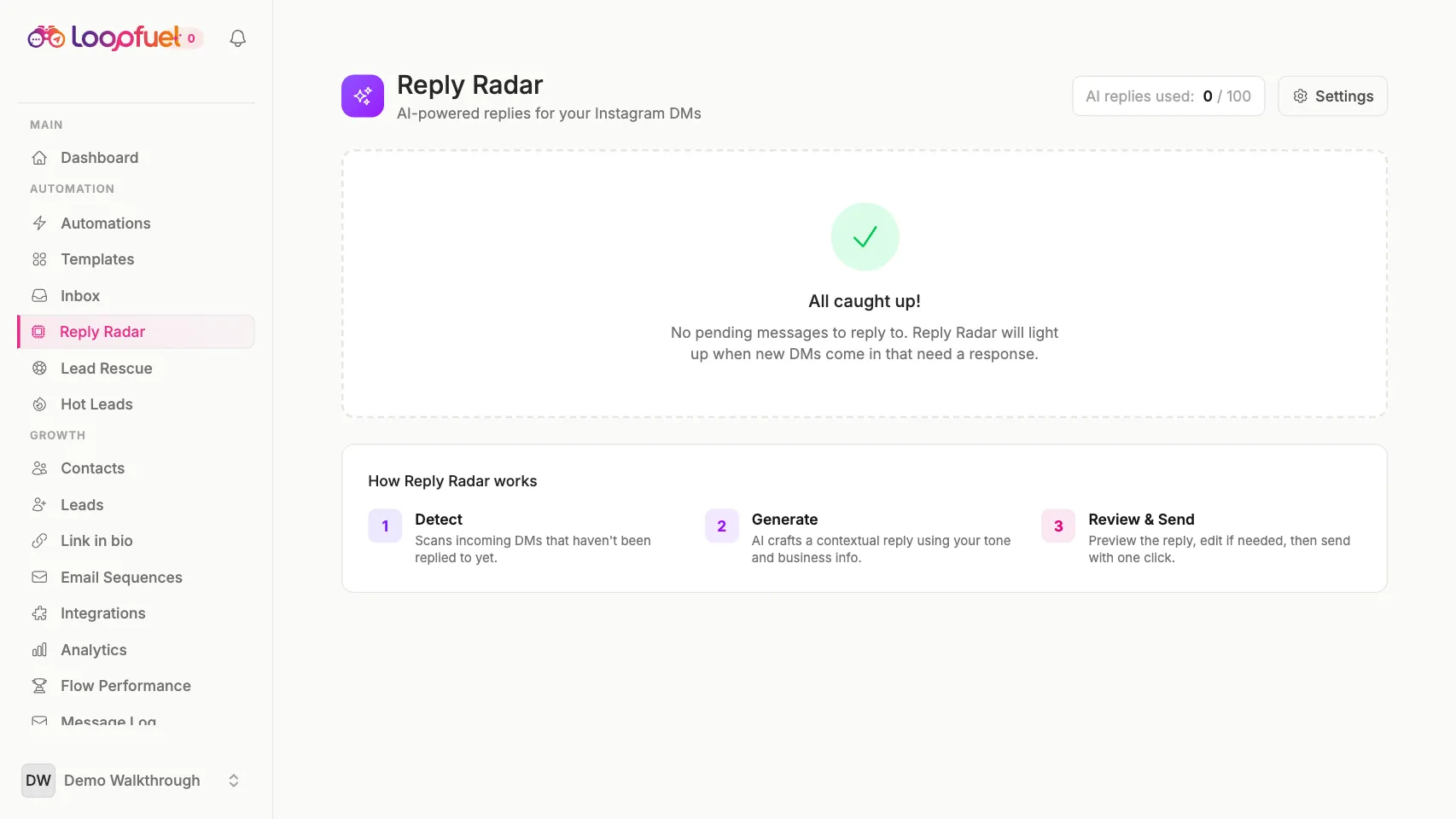
Turn on AI replies
Let AI draft on-brand answers to open-ended questions, then send automatically or review first. You set the tone.
- 1Add an AI Reply block to a flow
- 2Set the tone and guardrails
- 3AI drafts, LoopFuel sends

Sell in the DM
Turn a conversation into a sale without leaving the chat. Share a Razorpay or UPI pay link, an auto-generated QR, or a product link right inside the reply, and get paid in INR or USD.
- 1Add a Sell block to your flow
- 2Drop in a Razorpay/UPI link, QR, or product link
- 3The buyer pays without leaving the DM

Connect your store
Sync your WooCommerce or Shopify catalog so your products are ready to share. The Sell block pulls straight from your connected store.
- 1Connect WooCommerce or Shopify
- 2Sync your product catalog
- 3Share any product in a DM to close the sale

Follow up by email
Keep the conversation going after the DM with multi-step email sequences, sent from your own mailbox so replies land with you.
- 1Build a sequence with steps and delays
- 2Connect your Gmail, SMTP, or Resend/SendGrid
- 3Auto-enrol contacts by tag and track opens
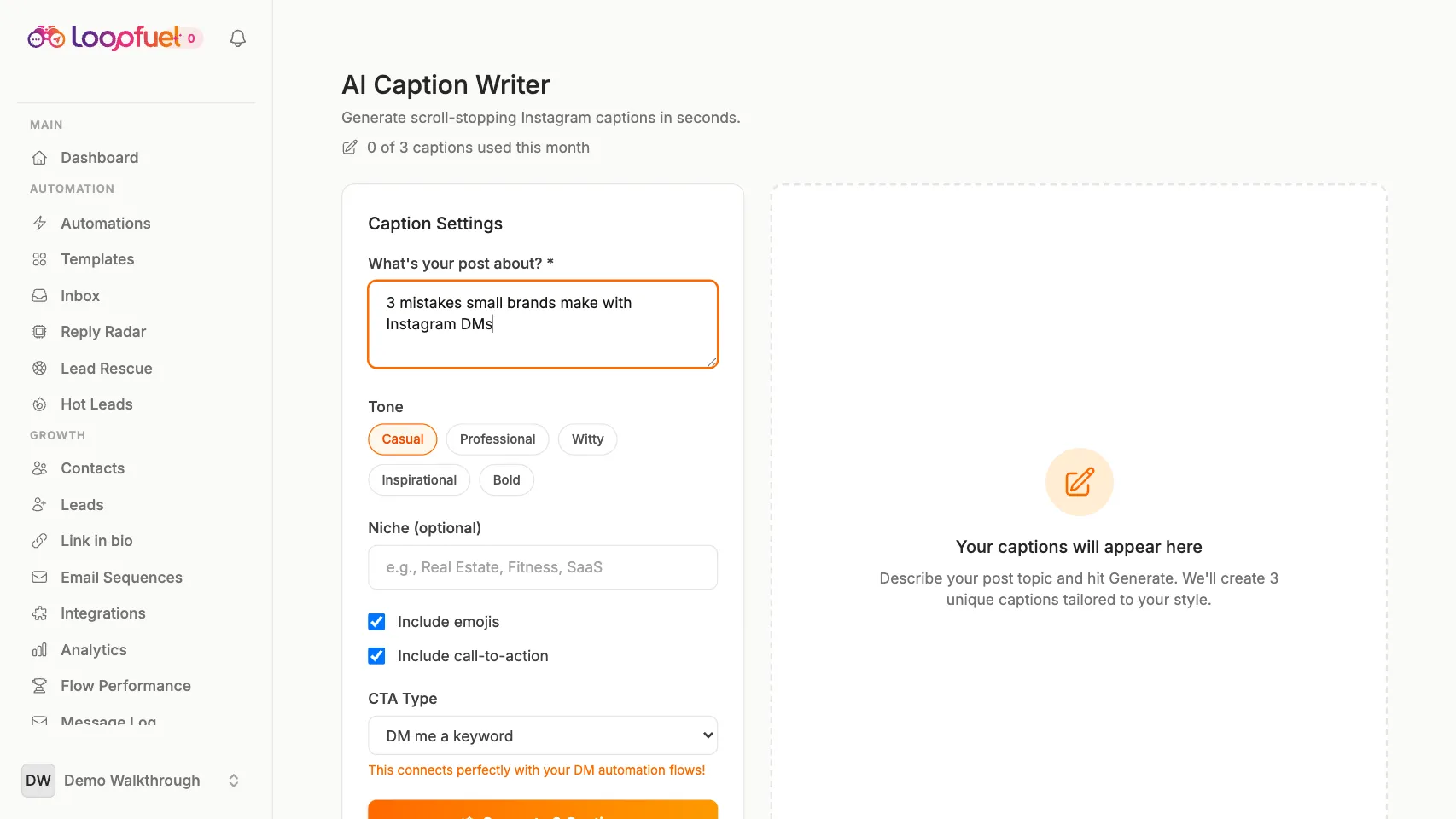
Create with Content Studio
Generate captions, hashtag sets, and ready-to-film video scripts in seconds, all tuned to your niche.
- 1Describe your topic
- 2Pick a tone and goal
- 3Copy captions, hashtags and scripts
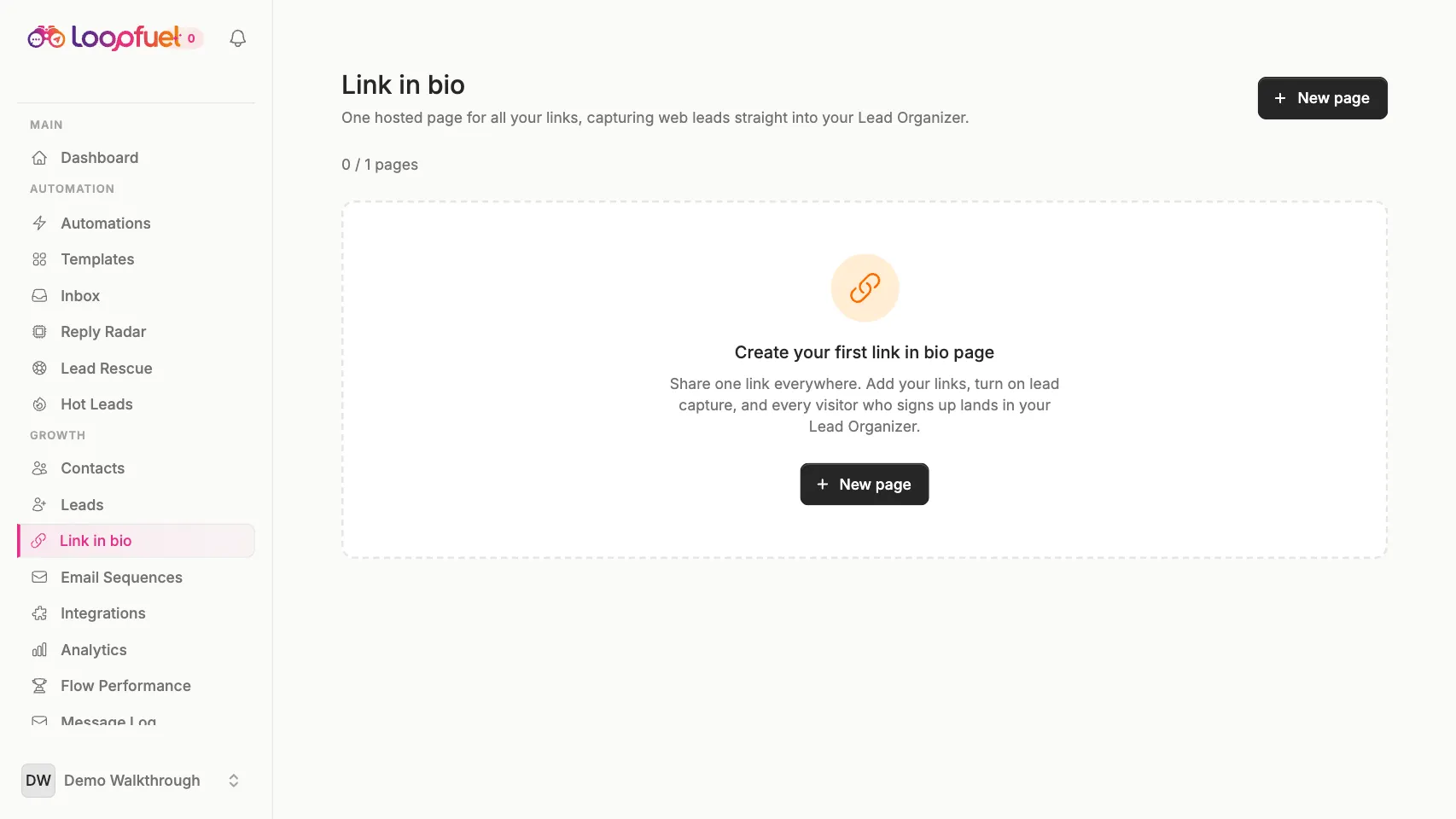
Publish your link-in-bio
A hosted bio page with your links, lead capture, and consent. Turn profile visits into contacts.
- 1Add links and blocks
- 2Enable email or phone capture
- 3Share your loopfuel.in/p/you link
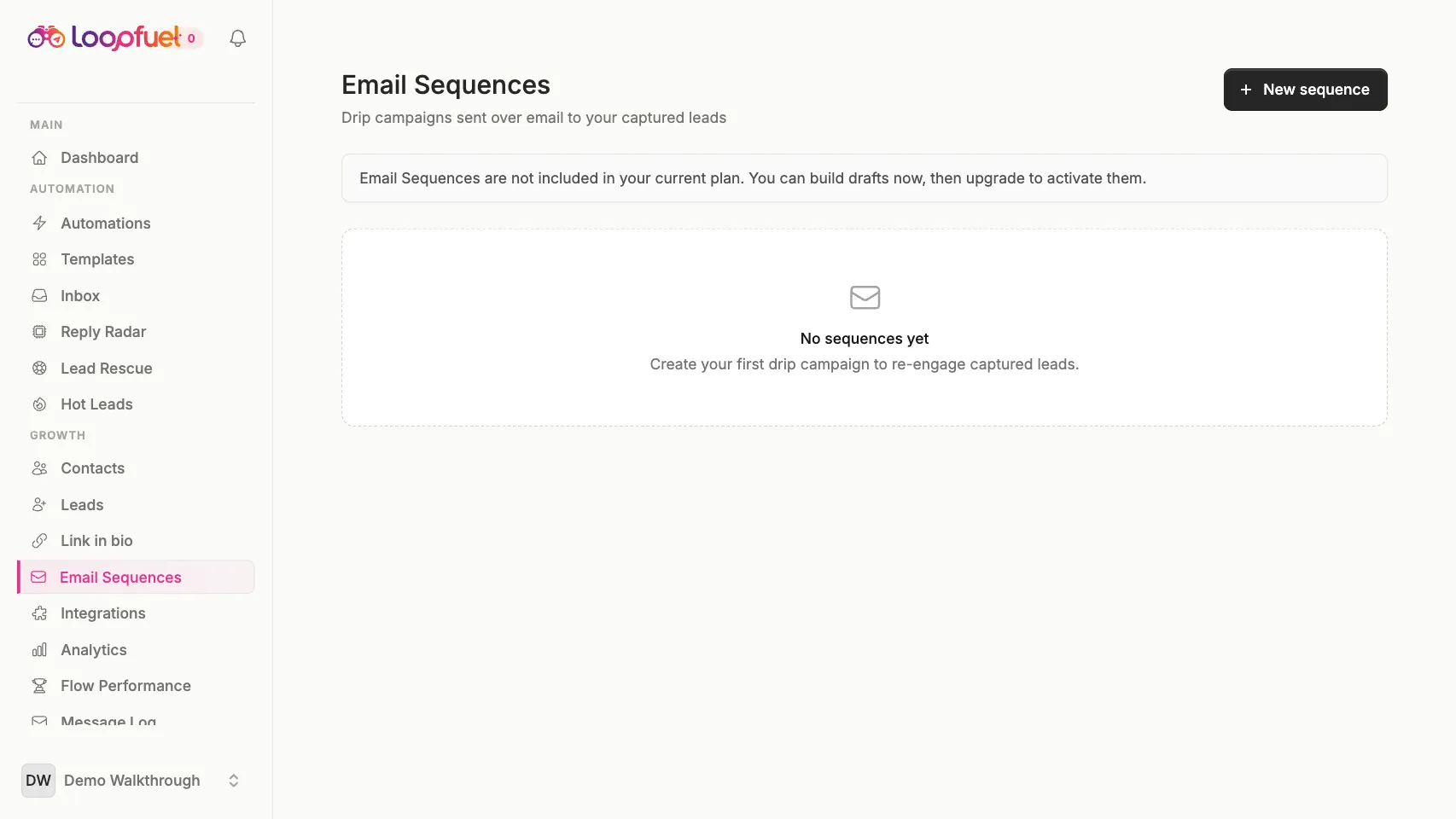
Send broadcasts and sequences
Follow up automatically with multi-step email sequences and re-engagement, straight from the contacts you captured.
- 1Build a sequence
- 2Enroll contacts by tag
- 3Track opens and clicks
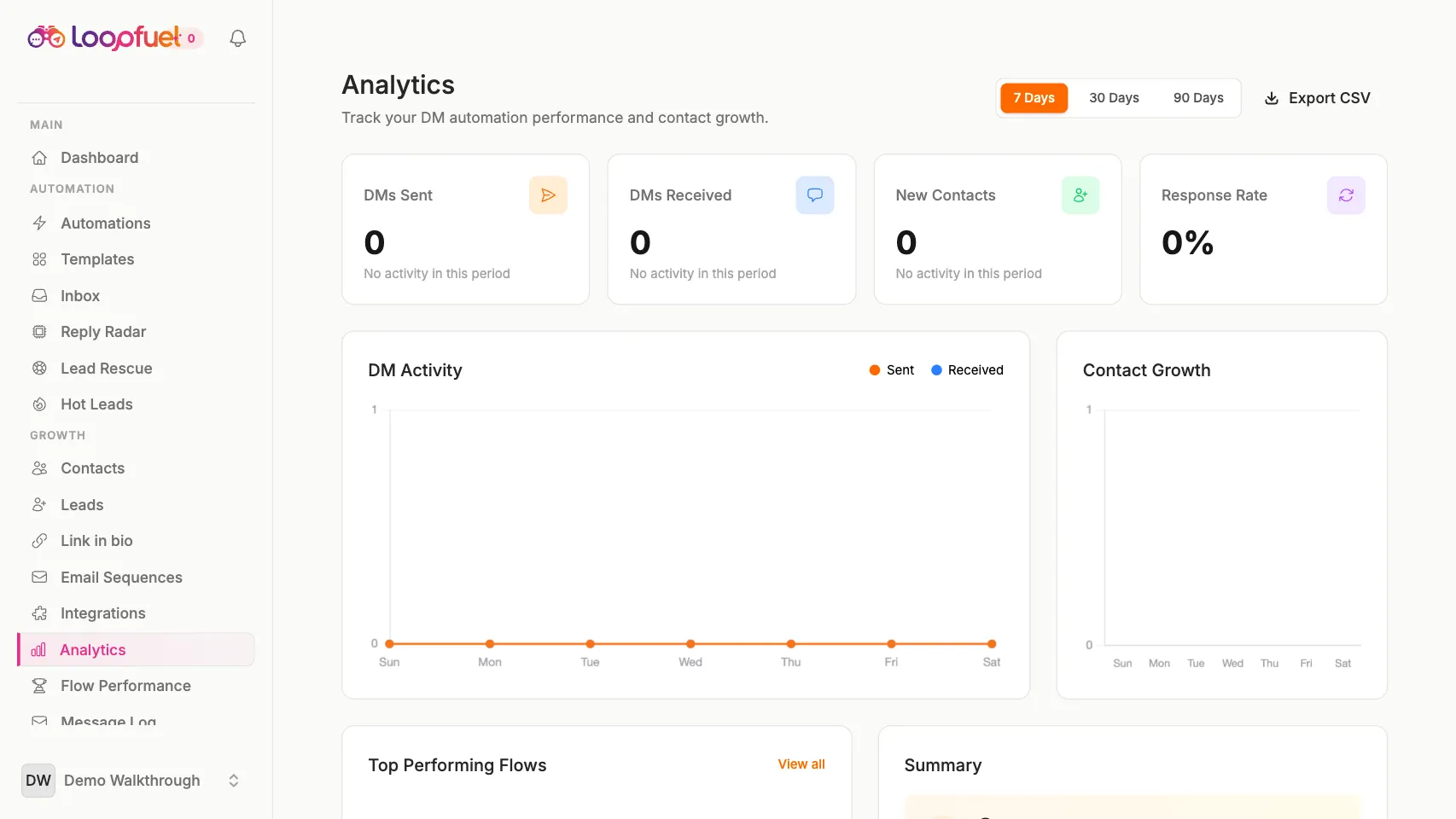
Track what works
Real dashboards for DMs sent, reply rates, flow performance, deliverability, and revenue. No vanity numbers.
- 1Open Analytics
- 2Compare flows and date ranges
- 3Export CSV and PDF reports
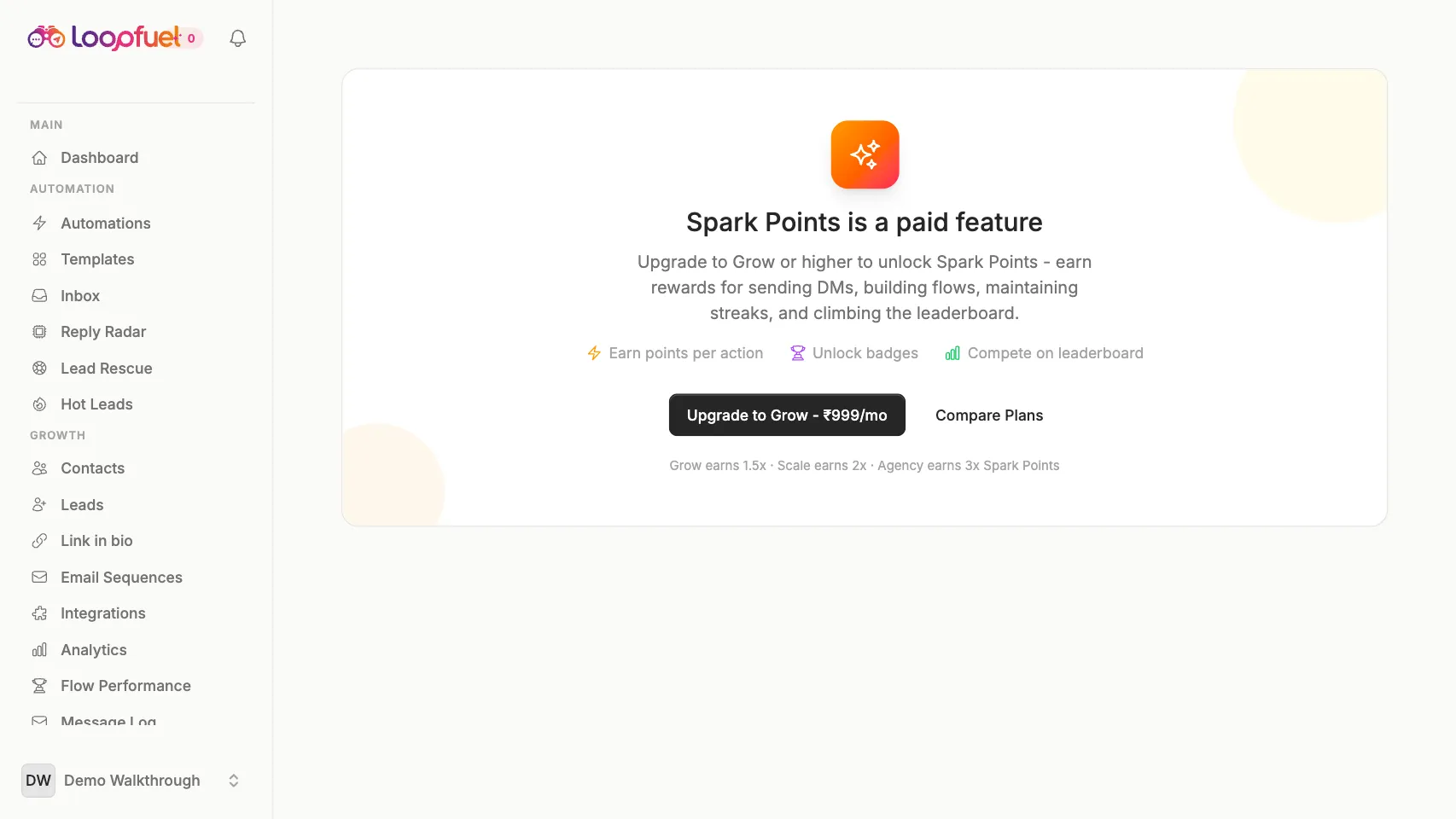
Earn Spark Points
Every action earns Spark Points. Level up from Starter to Ambassador and climb the leaderboard, and paid plans earn faster.
- 1Take actions, earn Sparks
- 2Level up and unlock milestones
- 3Multiply points on paid plans
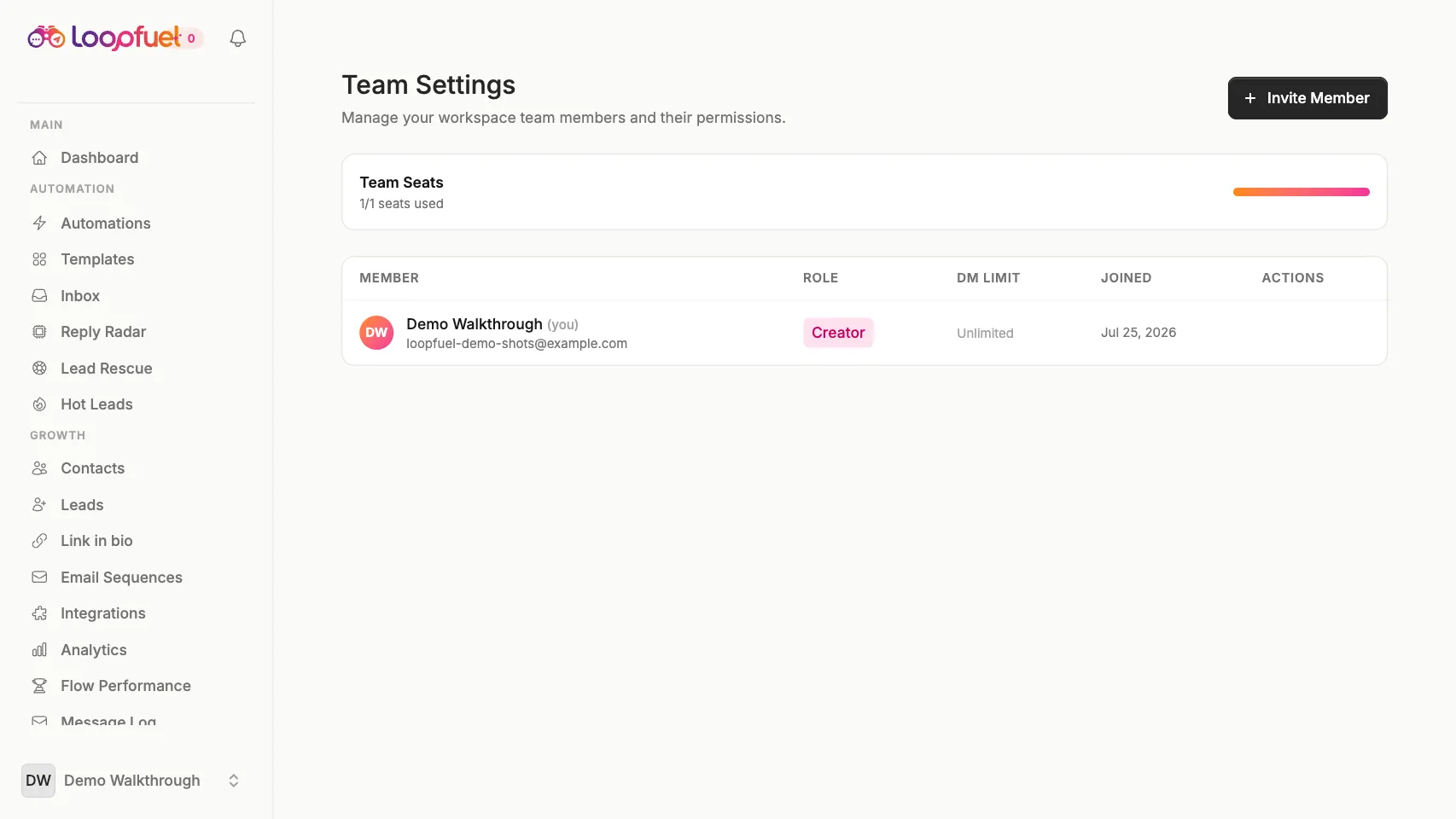
Invite your team
Add teammates with scoped roles so agencies and brands can run many accounts together, safely.
- 1Invite members by email
- 2Assign roles and permissions
- 3Collaborate across workspaces
Ready to put your DMs on autopilot?
14-day free trial. No credit card. Setup in 2 minutes.
Start Free